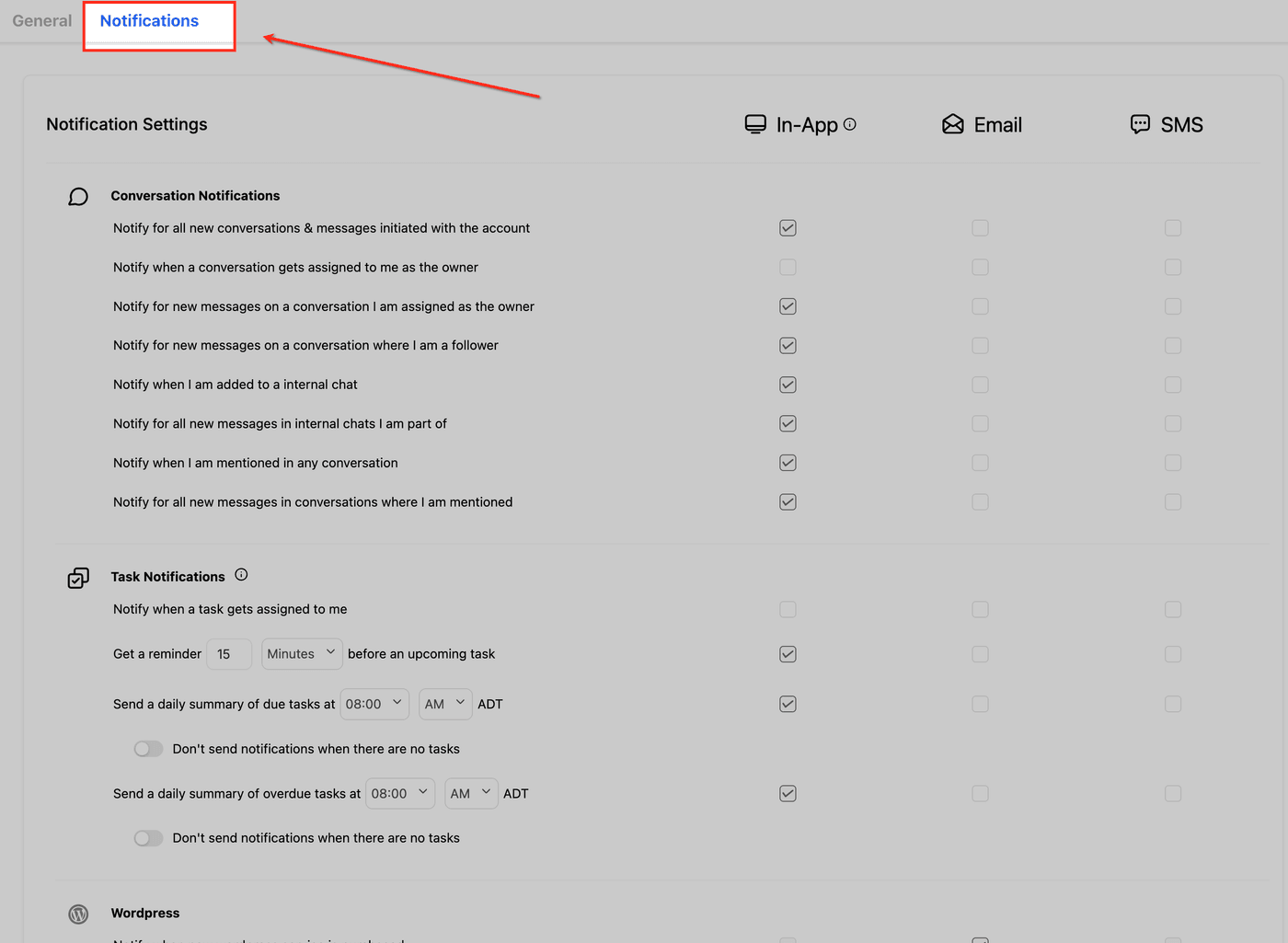
Setting up your notifications
Turn on the alerts that make sure a new lead never sits unanswered.
What it does
Notification settings control how you're alerted when something happens (a new lead, a new message, an appointment, a review) by email, inside the dashboard or as a push alert on your phone. A homeowner who texts at 4pm needs a reply before they call the next roofer, and the right notifications are what make that possible.
Turn on your alerts
Each person on your team sets their own notifications, so make sure whoever answers leads has these turned on.
- Click your account icon in the top-right corner of your dashboard.
- Open your profile settings and find the notifications section.
- Turn on Email, In-App and Mobile Push for new leads and new messages, plus anything else you want to hear about.
- Save your changes.