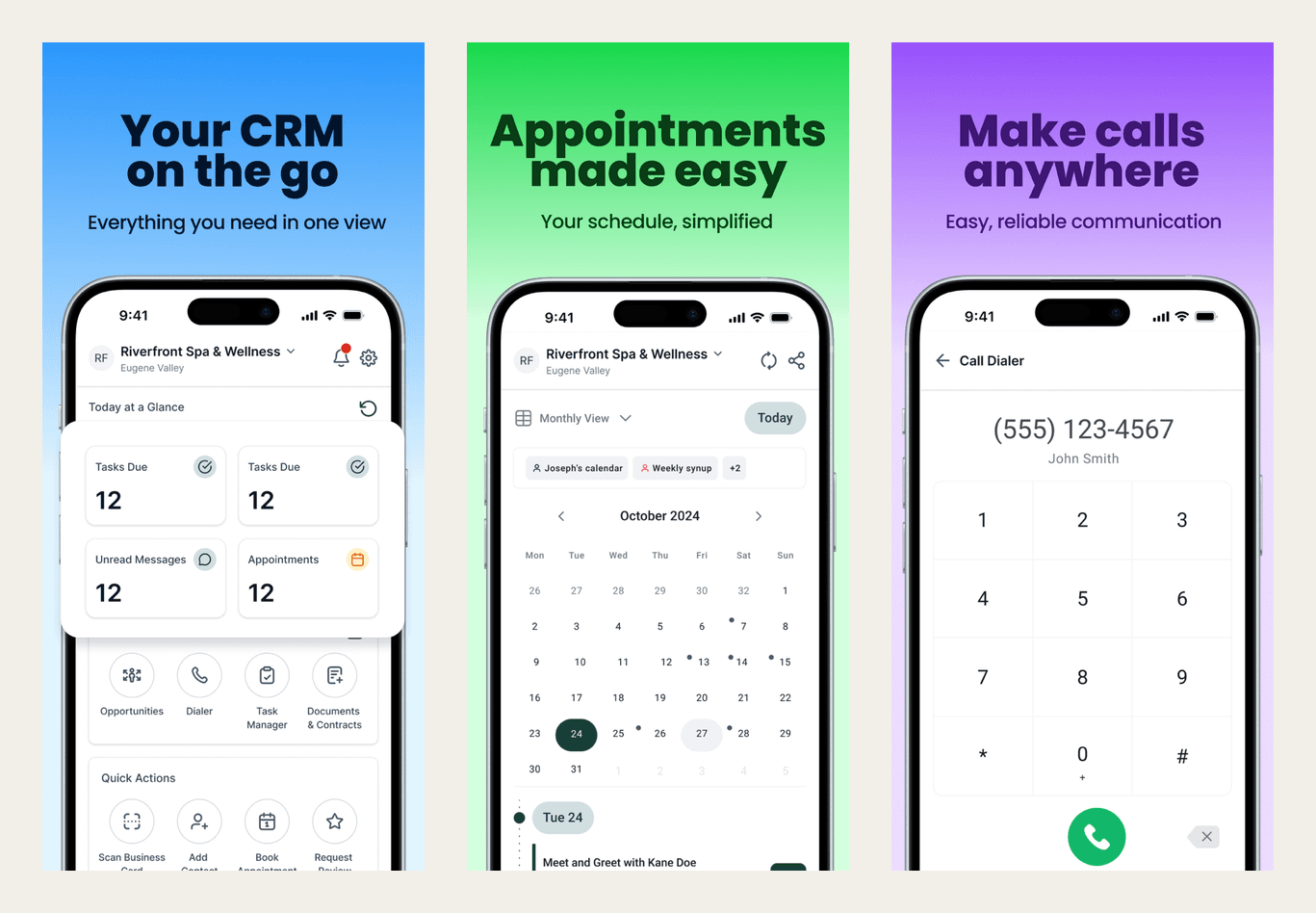
Using the Roofers Lab app
Reply to leads, check your calendar and book jobs from your phone.
What it does
The Roofers Lab app is the phone version of your dashboard: reply to leads, check your calendar and book jobs without opening a laptop.
Why it matters to a roofer
Crews and owners live in the field, not behind a desk. The app means a missed call gets returned, a lead gets a text back and a review request goes out, all from the truck or the driveway, using your business number instead of your personal cell.
Get the app on your phone
Sign-in is the same account you already use on your dashboard, so there's nothing new to set up.
- Download the Roofers Lab app from the App Store (iPhone) or Google Play (Android).
- Open the app and tap Sign In: you'll sign in with the same email and password you use on your dashboard.
- Allow notifications when your phone asks, so a new lead reaches you right away.
- Use the bottom menu to jump to Notifications, Inbox, Calendar and Contacts, and the lightning-bolt icon for quick actions like calling back or sending a review request.