Signing in to Roofers Lab
Where to log in, what to do if you're asked for a code and how to reset a forgotten password.
What it does
Signing in gets you into your Roofers Lab dashboard from any computer or phone browser: the front door to every lead, message and job. If extra security is turned on for your account, you'll also be asked for a short verification code.
Signing in
Your login works the same way whether you're at the office or on site. Keep it handy and you're never more than a few taps from your leads.
- Go to app.rooferslab.com.
- Enter your email and password, then click Sign In.
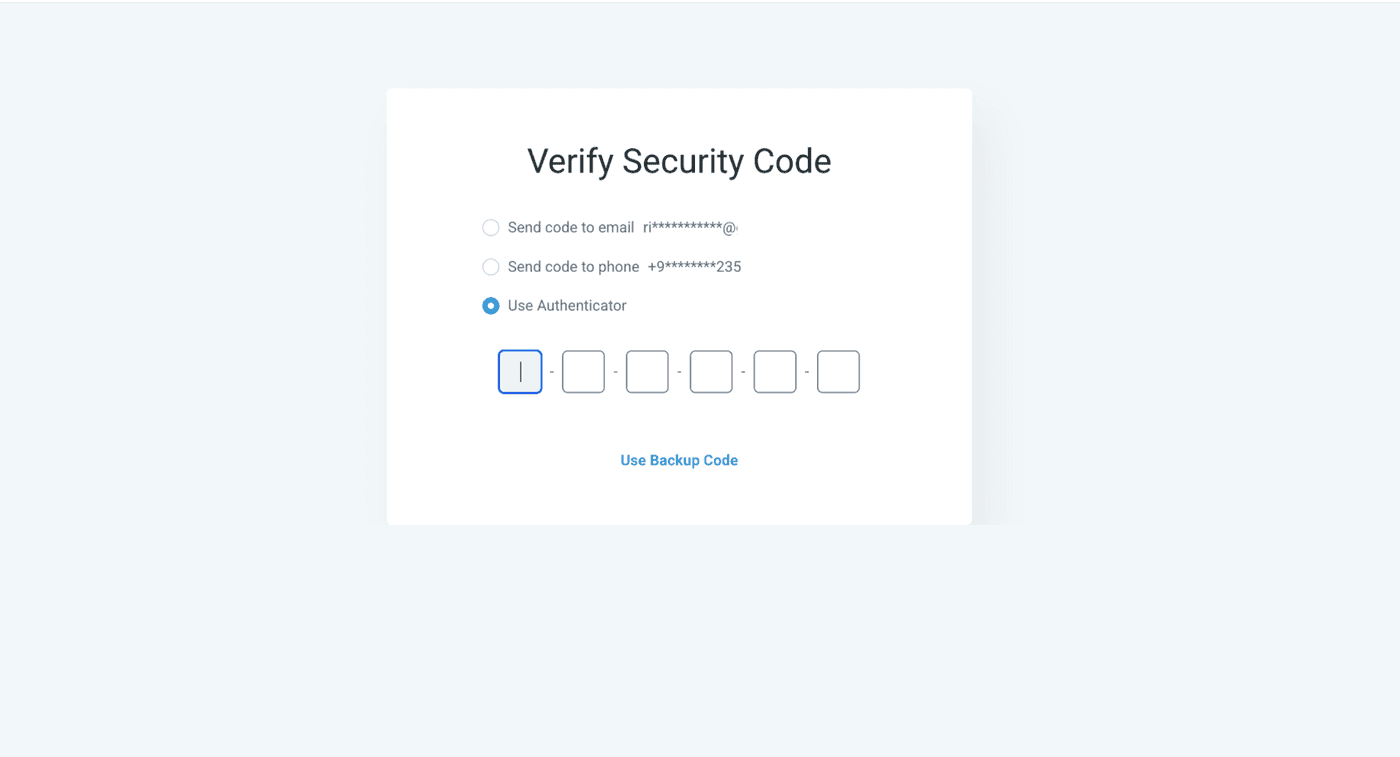
- If you're asked for a verification code, grab it from your phone and enter it.
- Forgot your password? Click "Forgot password?" on the sign-in screen and follow the reset link sent to your email.