Your dashboard at a glance
A quick tour of the main screens so you know where everything lives.
What it does
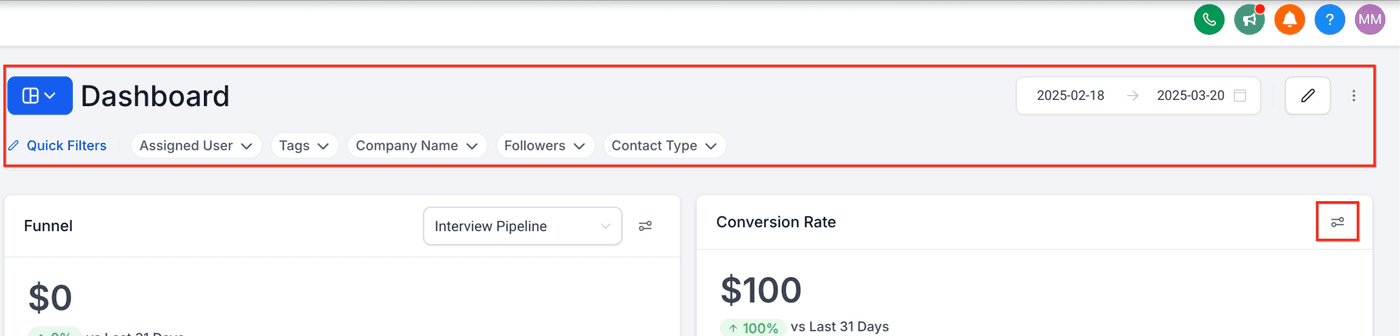
Your Roofers Lab dashboard is the one place your leads, conversations, jobs, calendar, reviews and invoices live. The left-hand menu is how you move between them.
Why it matters to a roofer
Every call, text, form and Facebook lead lands in one place, so nothing slips through while you're on a roof.
The main screens
From the left menu you'll use: Inbox (all messages), Contacts (your customers), Opportunities (jobs in progress), Calendar (appointments), Reviews and Invoices.
- Open your dashboard and look at the left-hand menu.
- Click Inbox to see every message in one thread.
- Click Opportunities to see jobs moving from lead to won.