Reputation: get more 5-star reviews
Send review requests after every job, and read and reply to your Google reviews (and Facebook, if you connect it) from one place.
What it does
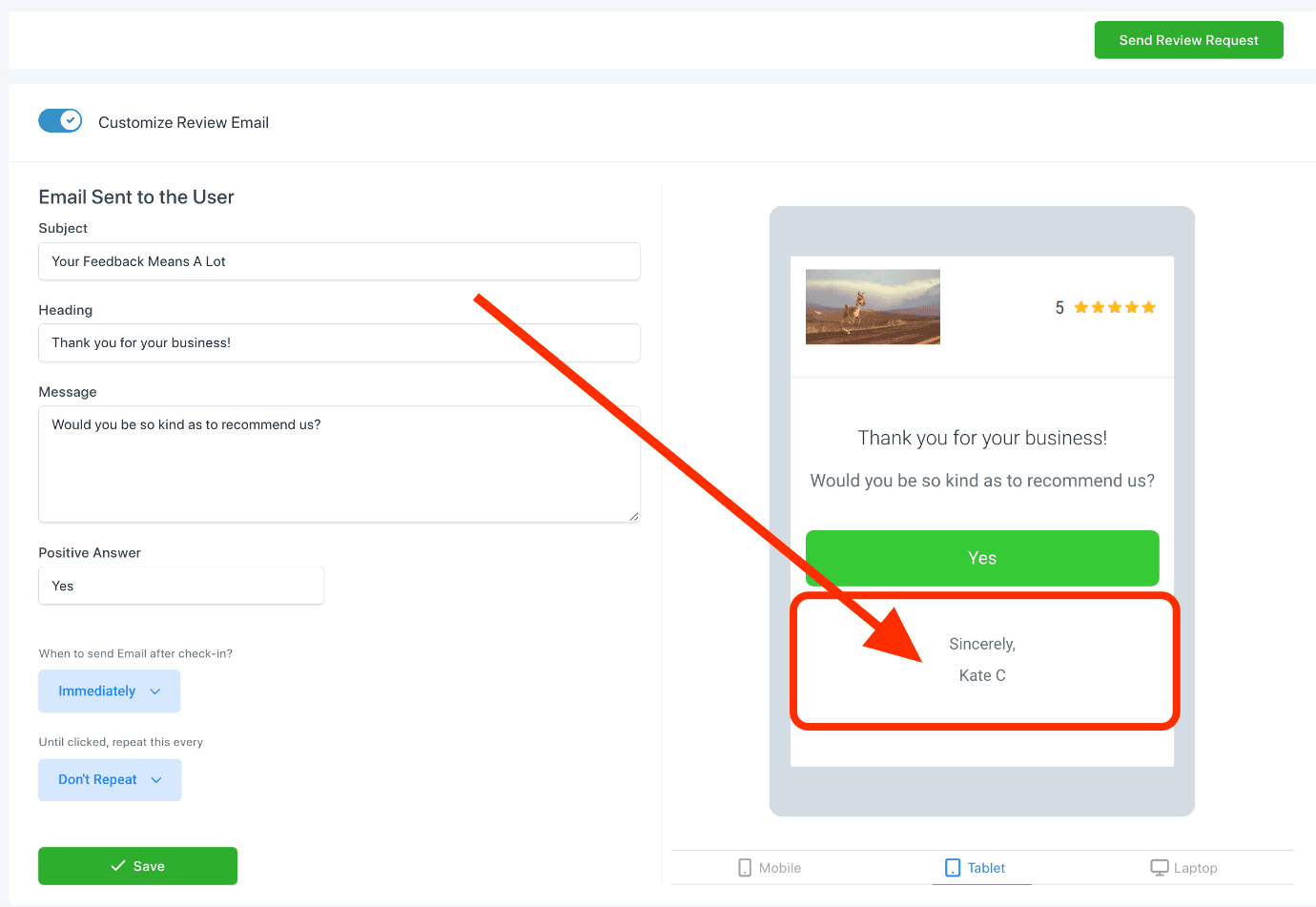
Reputation lets you send a review request by text or email after a job (pointing the customer to a one-tap link to leave a Google review), and it collects every review you get so you can read and reply from one screen.
Why it matters to a roofer
Google reviews are the #1 trust signal for a local roofer. A steady stream of 5-star reviews wins the next job before the homeowner even calls around, and replying fast to an unhappy customer can turn a bad review into a fixed problem before it costs you more business.
Send a review request and reply to a review
Connect your Google Business Profile once (reviews have nowhere to go without it), then requests can go out after every job.
- Open Reputation from the left menu.
- Click Requests, then Send Review Request, or open the customer's contact record and click Send Review Request from there.
- Pick text or email and send. The customer gets a one-tap link to leave a review.
- Open the Reviews tab to see every review as it comes in, and click Reply to respond to any of them directly.