Invoicing: send a bill, get paid
Create an invoice, send it by text or email and collect payment without chasing a check.
What it does
Invoicing lets you create an invoice, send it to a customer by text and email and collect payment online. Add the line items for the job, send it, and the customer pays with a link instead of writing a check.
Why it matters to a roofer
Get paid faster by texting the homeowner a pay link right from the driveway. Collect a deposit before you order materials, send the final bill the day the job wraps and stop waiting on the mail for a check that may or may not show up.
Create and send an invoice
Build it once for the job, then send it wherever the customer will actually see it.
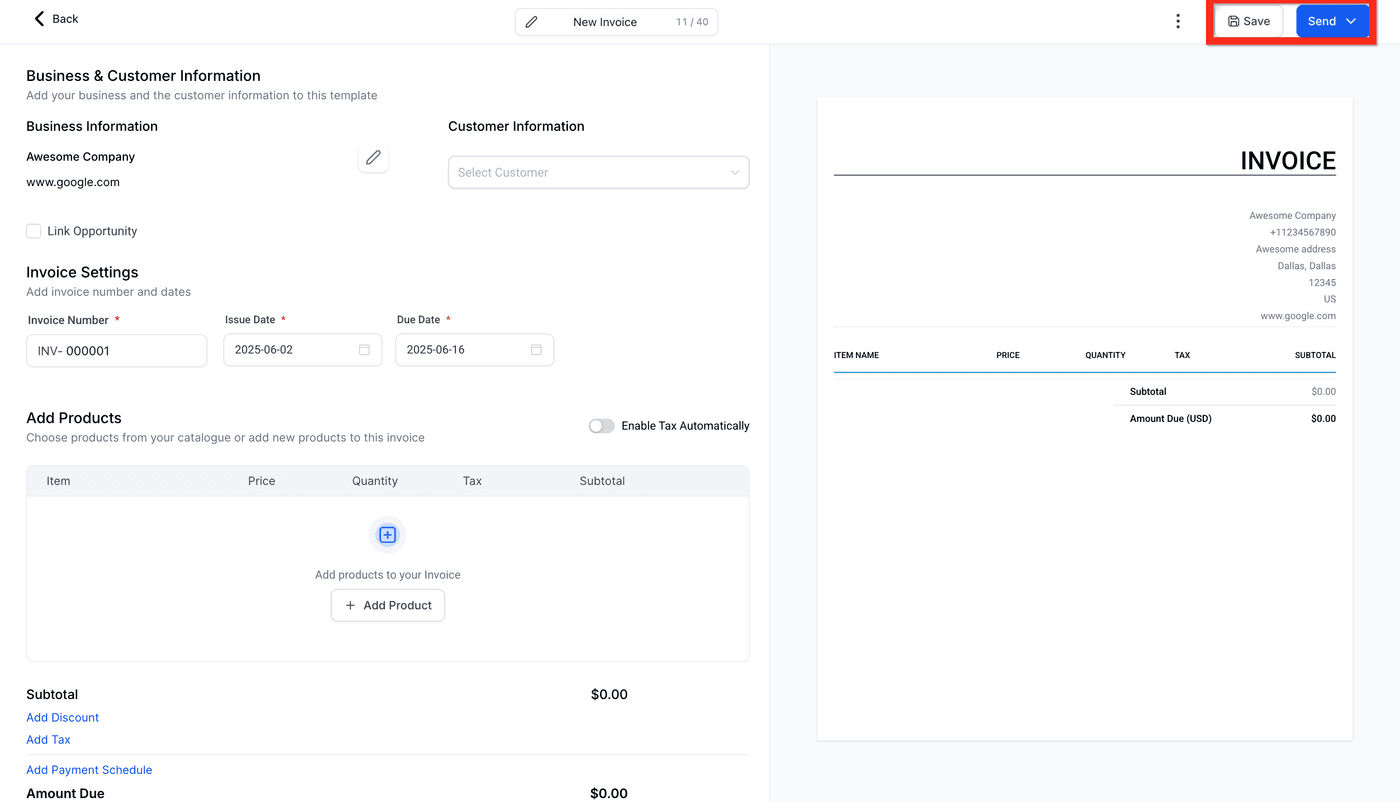
- Open Invoicing from the left menu and click New Invoice.
- Select the customer.
- Add line items for the job: materials, labor, deposit, whatever applies.
- Click Send and choose Text, Email or both.
- The customer pays with the link, and the invoice updates automatically once payment comes in.